Care
Software updates
Your Smarthandle 2 gets new features and improvements automatically. Updates download over Wi-Fi.
When an update is ready, the display lets you know. The Smarthandle installs it and is unavailable for a few minutes.
- The battery must be above 10%. It doesn't need to be on the Snap Charger 2.
-
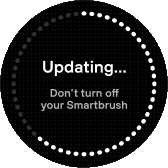
A progress screen shows while it updates.
-
A check mark confirms the update is installed.

If an update fails: the display shows Update failed – Please try again, then returns home. Start the update again from the Feno App. If it keeps failing, contact support.